
RETRO REGEN BENCHASSIST · A FREE SELF-SERVICE CHECKER
Find out what's wrong with a retro game or console.
Yourself, in about five minutes.
BenchAssist is a free checker from the Retro Regen repair bench that you use on your own, right here in the browser. You tell it what the item does, it asks you to try a few short checks with the item in your hands, and it tells you in plain English what it most likely is: something you can fix yourself, such as cleaning the contacts, or something for a technician.
It isn't a message to Retro Regen, and nobody writes back. The answer appears on the page as soon as you finish the checks.
Check a game or consoleFree · No account · Works on a phone
Want Retro Regen to repair it instead? That's a different page: start a repair request at retroregen.com.
Two ways to use it
ON ITS OWN
Describe what it does
THE FIRST QUESTION, FOR A GAME
Does the game start and reach its title screen, every time?
YesNoNot sure / not tried
The first thing that doesn't work decides which checks follow.
Pick the game or console, say what the first thing is that doesn't work, and answer the questions that follow. Each one is a short, specific thing to try with the item in hand: a known-good game, a closer look at the screen, a button to press. You say what you saw.
This is the place to start when a game won't load, the picture or sound is wrong, a button doesn't respond, or the console won't turn on. You need the item and, for a game, a console to test it in.
WITH A RETRO REGEN HARDWARE TEST SUITE
Enter the result code from the test
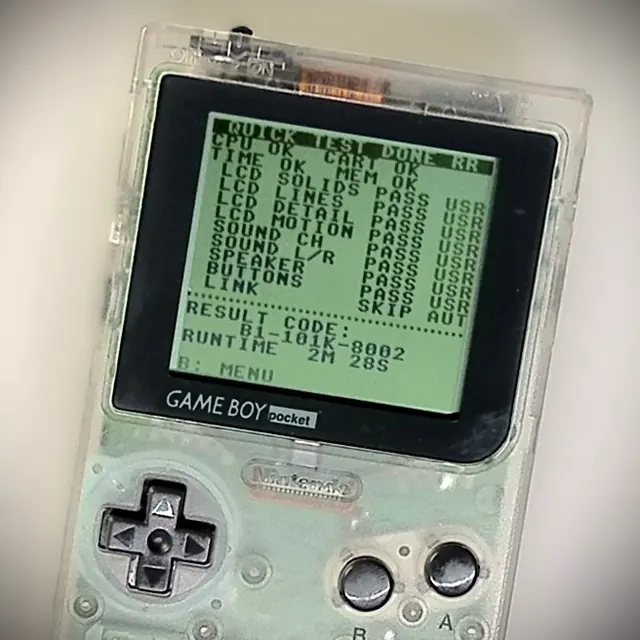
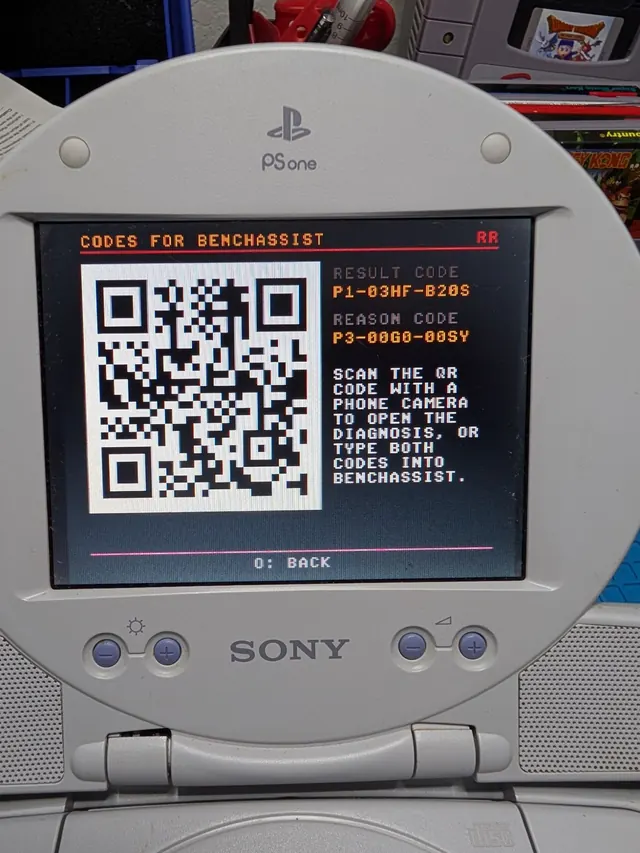
Retro Regen's free hardware test suites run on the console itself and exercise its parts one by one: memory, video, sound, controller ports. When a test finishes it shows a result code, and on TV consoles a QR code too. Scan the QR code with your phone, or type the code in, and BenchAssist starts from what the test actually found instead of from a description.
Get the free test suites at retroregen.com · Enter a result code
How it works
Tell it what you have. A game or a console, which platform, and the first thing that doesn't work. Or enter the result code from a test suite and skip the description.
Try the checks it asks for. Each check is one short thing to do with the item in front of you, and you answer with what happened. The first check that fails decides which checks come next, so you only see the ones that matter.
Read the answer. It points to the most likely cause and says whether it looks like something you can fix yourself, and how, or something for a technician's bench, and why. If it does, you can send it to Retro Regen from there.
What it is, and what it isn't
BenchAssist is built from the checks Retro Regen starts with on the bench, written down so you can run them yourself. It is information, not a technician's verdict: results can be wrong, and you decide what to do with the item. It is not a repair request, a quote, or a message to a person, and nobody replies to what you type here. Your answers are kept without your name, email or address, and Retro Regen reviews them to improve the checks for everyone, so leave personal details out. The Privacy Policy says exactly what is kept.
If you'd rather have a technician look at the item, start a repair request at retroregen.com. If you're a technician yourself, board references that point to the parts to check on each board are still being finished on the bench.